Lộ trình đang học Current learning path

Developer Platform Developer Platform

Build và deploy apps trên Cloudflare. Build and deploy apps on Cloudflare.

Về trang lộ trình Track home

Phần 2: API trên edge Part 2: APIs on the edge · Bài 2/2 Lesson 2/2

Worker độc lập khi cần routing phức tạp Standalone Worker for complex routing

Dùng Worker khi cần middleware, auth edge, hoặc nhiều hostname. Worker là đơn vị compute linh hoạt nhất. Use a Worker when you need middleware, edge auth, or multiple hostnames. Workers are the most flexible compute unit.

Standalone Worker for complex routing
Minh họa từ Cloudflare Reference Architecture (developers.cloudflare.com) Illustration from Cloudflare Reference Architecture (developers.cloudflare.com)

Các bước thực hiện Step-by-step

  1. `wrangler init` hoặc dashboard Create Worker. `wrangler init` or dashboard Create Worker.
  2. Viết fetch handler: routing theo pathname/hostname. Write fetch handler: route by pathname/hostname.
  3. Deploy `wrangler deploy` — gán custom domain hoặc route `*.example.com/*`. Deploy with `wrangler deploy` — attach custom domain or route `*.example.com/*`.
  4. Dùng `wrangler tail` khi debug. Use `wrangler tail` when debugging.

Giải thích chi tiết Detailed explanation

Worker độc lập phù hợp middleware toàn zone, BFF, hoặc multi-tenant routing — linh hoạt hơn Pages Functions. Standalone Workers suit zone-wide middleware, BFFs, or multi-tenant routing — more flexible than Pages Functions.

Lưu ý (best practices) Note (best practices)

Custom domain: Worker là origin, DNS/SSL tự động. Route: Worker chạy trước origin — cần DNS record proxied (orange cloud); thiếu record sẽ gây ERR_NAME_NOT_RESOLVED. Custom domain: the Worker is the origin with automatic DNS/SSL. Route: the Worker runs in front of an origin — you need a proxied DNS record (orange cloud); missing records cause ERR_NAME_NOT_RESOLVED.

Nguồn: Source: Workers Best Practices Workers Best Practices

Ví dụ triển khai (Cloudflare Resources) Deployment examples (Cloudflare Resources)

Ví dụ chính thức từ Cloudflare Resources — gợi ý theo chủ đề bài học trong lộ trình này. Official examples from Cloudflare Resources — matched to this lesson within this path.

Xem thêm ví dụ trong lộ trình → More examples in this path →

Tài liệu Cloudflare Developers Cloudflare Developer docs

Cloudflare API (tham khảo) Cloudflare API (reference)

Dùng khi tự động hóa bước này qua script hoặc Terraform — cần API token phù hợp. Use when automating this step via script or Terraform — requires an appropriate API token.

developers.cloudflare.com/api ↗

Sơ đồ kiến trúc (Cloudflare Docs) Architecture diagrams (Cloudflare Docs)

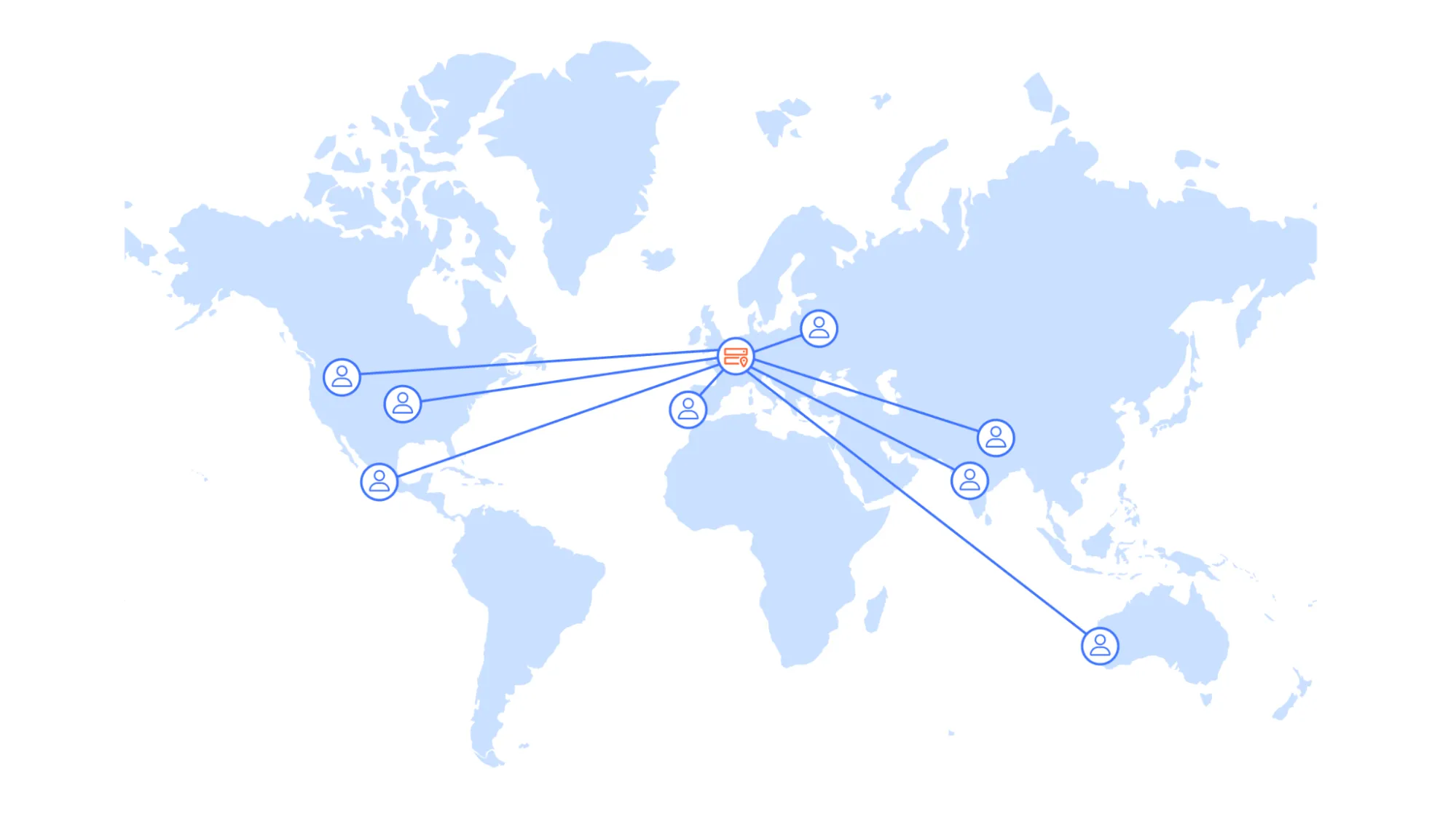
Figure 1:  Traditional single-region architecture

Serverless global APIs Serverless global APIs

An example architecture of a serverless API on Cloudflare and aims to illustrate how different compute and data products could interact with each other. An example architecture of a serverless API on Cloudflare and aims to illustrate how different compute and data products could interact with each other.

Thuật ngữ: Concepts: Workers · D1 · R2 · Global API · Edge compute

Sơ đồ chính thức ↗ Official diagram ↗ · Serverless Serverless

Sản phẩm liên quan Related products

Học xong hoặc muốn đổi hướng? Finished or want a different path?

Ba lộ trình độc lập — mỗi lộ trình chỉ gồm bài học và tài liệu trong phạm vi đó. Chọn lộ trình khác khi sẵn sàng, không cần học song song. Three independent paths — each includes only lessons and materials for that scope. Switch when you are ready; no need to study paths in parallel.

Chưa chắc — làm bài chọn lộ trình Not sure — use the path selector · So sánh cả ba lộ trình Compare all three paths